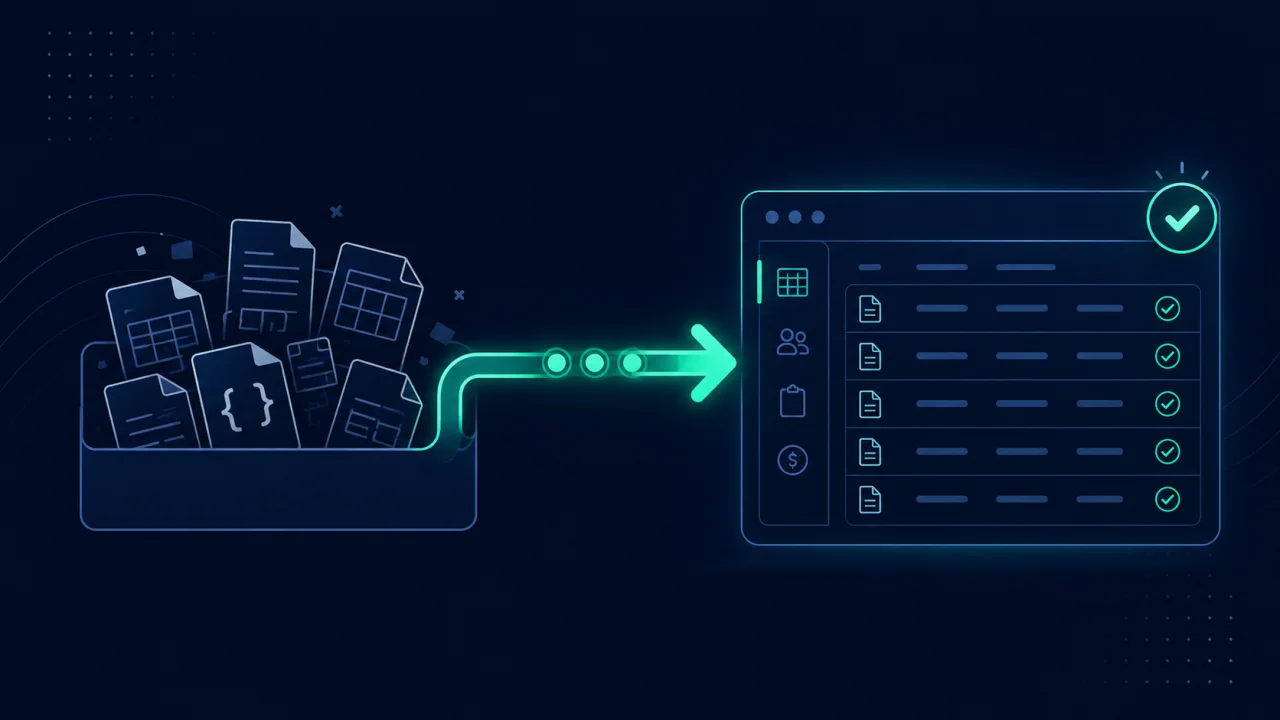
Can you migrate from Stocky to Shopify directly? Not fully. Shopify's PO CSV import only creates a new draft that drops status, received quantities, supplier links, and costs, so Stocky's purchase-order history, supplier links and landed costs don't come across. The working migration path is three steps. First, export from Stocky. Then convert the files into an import-ready format. Finally, import into a dedicated inventory app that can hold the history. If you would rather follow the exact clicks, the step-by-step Stocky migration guide walks each one in order.
Key takeaways
- Stocky shut down on August 31, 2026 and stays read-only until about November 29, 2026. Export before then or the data is unrecoverable.
- Shopify has its own purchase orders and suppliers now, but it can't import a past purchase order with its history.
- Its native PO import makes a draft and drops status, received quantities, and suppliers.
- The reliable path is export, convert, import, not a direct Stocky-to-Shopify transfer.
- A converted PO file imports into an inventory app like EZStock with the full history intact.
Why can't Shopify import my Stocky purchase orders?
Because Shopify's purchase-order import only creates new orders. Shopify's admin has purchase orders and suppliers now, with receiving through transfers since June 2026, but its CSV upload has no way to bring in an order that was already sent, partly received, and closed. When you upload Stocky's PO CSV through Shopify's own import, all it can do is take the product line items and drop them into a new draft PO. The status, the received quantities, the supplier link, and the cost you actually paid have nowhere to go, so they're discarded.
Shopify's own help page says the same: historical purchase orders can't be imported, and suppliers can't be exported from Stocky. So the history needs somewhere to live that can take a whole purchase order, which means a dedicated inventory app.
What actually transfers, and what doesn't
Before you migrate, it helps to know exactly which data is portable and which isn't. Here's the honest breakdown:
| Stocky data | Portable? | Where it goes |
|---|---|---|
| Current stock counts | Already in Shopify | Nothing to import |
| Purchase orders (status, received qty, costs) | Yes | Inventory app (EZStock) |
| Suppliers (name, lead time) | Yes, rebuilt from your purchase orders | Inventory app (EZStock) |
| Cost-per-item | Yes | Shopify cost field / inventory app |
| Supplier notes (free text) | No, copy by hand | Not in any Stocky export |
| Par / reorder-point settings | No, re-enter | Not in any Stocky export |
The three-step migration
1 Export everything from Stocky
Pull everything from Stocky's reports while it is read-only: completed purchase orders (plus any open ones), stocktake history, and your historical cost data. Stocky can't export suppliers; their names come along on each purchase order. The Stocky API JSON (purchase_orders) was the only source with the per-line supplier cost actually paid (supplier_cost_price) and the real receipt date (received_at), but the API stopped working on August 31, 2026. If you saved it before then, use it; otherwise the CSV works and just omits those two fields. There's a full export checklist in how to export your Stocky data before read-only access ends.
2 Convert the exports into import-ready files
Shopify can't take a raw Stocky export as history. Run each file through the free Stocky Export Converter. It auto-detects the type, consolidates Stocky's one-PO-at-a-time exports into a single file, and outputs two things per file: a Shopify-native CSV where Shopify supports it (cost per item), and an EZStock-ready file that keeps your full PO history, including status, received quantities, costs, dates, and suppliers. It runs in your browser, nothing uploaded. Rows Excel mangled (a long SKU shown as 7.5E+11) are listed for you, not silently dropped.
3 Import into Shopify and your inventory app
Leave current stock alone: Stocky wrote every count and receipt to Shopify, so your on-hand quantities are already there, and importing an old stocktake would set them back to that day's counts. Upload the purchase-order files to a Shopify inventory app that has a place for them. EZStock's Move from Stocky page imports the full PO history in one upload (status, received quantities, costs) and creates your suppliers from it, so you're not re-keying years of records. Finish by re-entering the two things no export carries: supplier notes and reorder points.
Start your migration with the free converter
Drop your Stocky exports into the free converter to get clean, import-ready files: a Shopify CSV and an EZStock-ready file that preserves your full purchase-order history. No signup, runs in your browser, nothing uploaded.
Convert my Stocky export free →Where should the history land after Stocky?
Shopify's built-in inventory has purchase orders and suppliers now, but no supplier lead times, no standing reorder plan, and no way to import past purchase orders, so you need an app for the parts Stocky used to cover. EZStock is built as the Stocky replacement: it imports your Stocky PO history, tracks suppliers and lead times, forecasts demand with days-of-stock-left, sends low-stock alerts, and generates purchase orders. It has a free plan, and every feature with no purchase-order limit for the first 14 days, so you can import your whole history for free. If you're weighing options, the best Stocky alternatives for 2026 and the guide to the best Stocky alternative apps compare the main choices side by side.
Frequently asked questions
How long does a Stocky migration take? For most stores, under an hour of active work: a few minutes to export each data type, a minute per file to convert, then the imports. The slow part is only re-entering supplier notes and reorder points, which don't come through any export.
Can I move my purchase-order history into Shopify itself? No. Shopify's purchase orders can't import Stocky's history with its statuses and received quantities, so the history has to live in an inventory app. Shopify's own import creates a fresh draft PO and keeps only the line items.
Do I have to migrate everything, or just current stock? You can migrate just current stock via Shopify's Inventory import, but you'll lose your purchase-order history, supplier records, and cost basis. If those matter for reordering and margins, convert and import them into an inventory app.
What if I've already uninstalled Stocky? If the app is gone and it's past August 31, 2026, the data can't be recovered. If Stocky is still installed, export everything immediately before doing anything else.