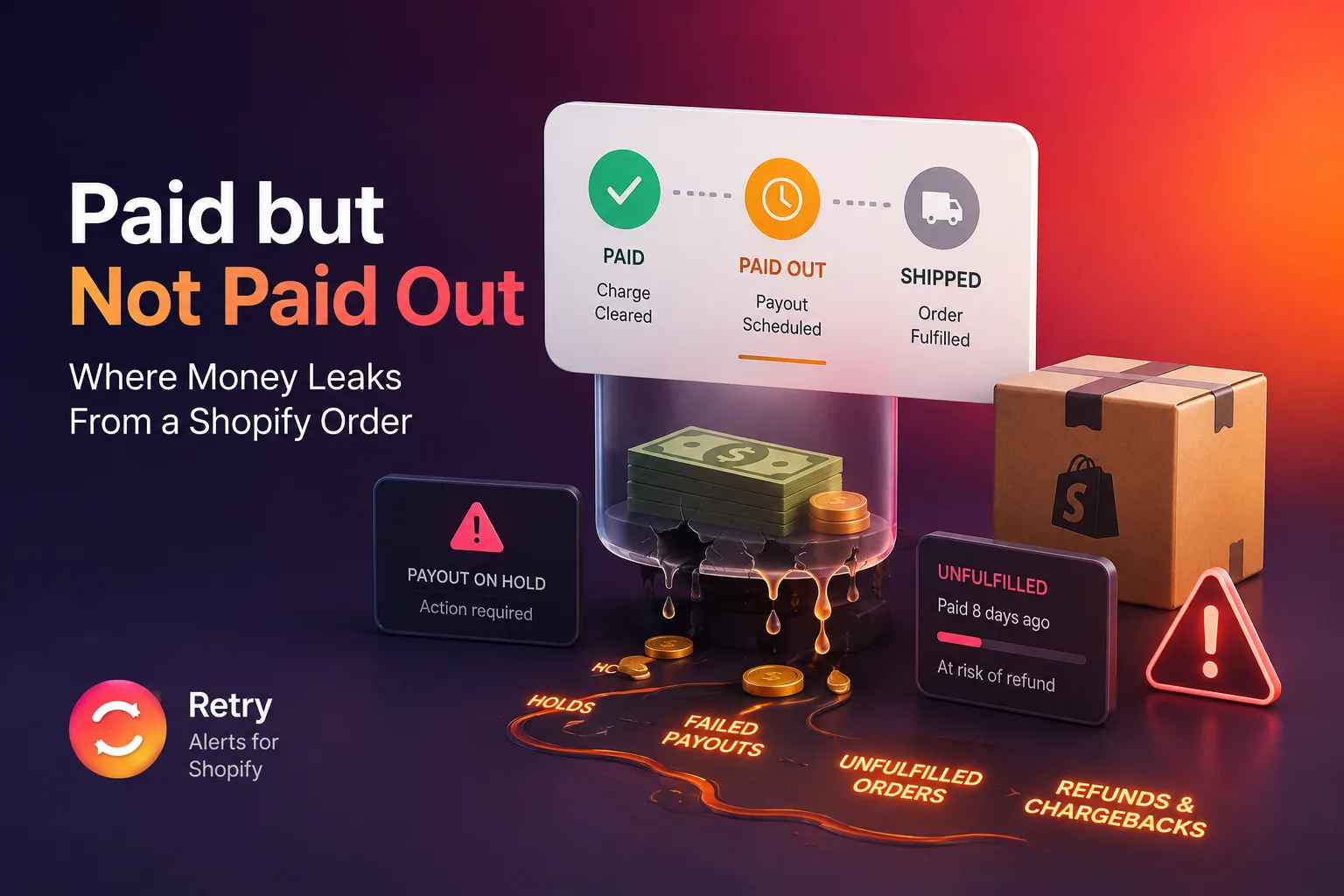
What "Paid" Really Means on Shopify
When a customer checks out and their card clears, Shopify marks the order paid. That status is honest about one thing: the charge was authorized and captured. It says nothing about whether the money has reached your bank, and nothing about whether the order has shipped. Both of those come later, and both can fail quietly.
The normal path looks like this. The charge settles with the card networks over a day or two. Shopify Payments credits your balance, minus its fee. Then, on your payout schedule, that balance is sent to your bank, which itself takes a few business days to land. So a Monday sale is often money in the account the following week. That lag is normal. The problem is the rare case where the money steps off that path and nothing tells you it did.
Two truths that a dashboard treats as one. "Paid" and "paid out" are different events, sometimes days apart, sometimes never joined at all. Your daily numbers collapse them into a single green checkmark, which is exactly why the gap between them is so easy to miss.
Leak One: The Payout That Stalls
A payout can stall for several ordinary reasons, none of which throws an error at checkout. The order keeps its paid status the whole time.
- A payout hold from a risk review. Processors periodically hold payouts while they review activity: a volume spike, a new dispute, an account change. Orders keep coming in and keep reading paid, but the money is parked. The first sign is often a bank balance lower than your sales say it should be.
- Stale or failing bank details. Account numbers change, accounts close, a digit gets mistyped during a migration. A payout that cannot land bounces or sits in limbo while the orders behind it still read paid.
- A charge that authorized but never settled. Occasionally a charge is authorized at checkout, so the order looks paid, but the capture or settlement never completes. Documented merchant cases describe money shown as collected in Shopify that never appeared in the payment provider, adding up before anyone noticed.
- A paid order that never links to a payout. Every paid order should tie to a balance transaction in the Shopify Payments ledger, which ties to a payout. When that link is missing, the order is paid in the order list with no money behind it in the payout system. Nothing about the order looks wrong; you only see it by comparing the order list against the payout ledger.
What these share is invisibility. Each one leaves the order marked paid, so it still counts toward revenue and toward a good-looking day. The dashboard is reporting sales correctly. Reconciling those sales against the money that did or did not arrive is a separate task, and until someone does it, a stalled payout hides in plain sight.
Leak Two: The Order That Never Ships
The second leak is simpler and just as easy to miss at volume. A customer pays, the order is real, and then it never gets fulfilled. A label does not print, an item is out of stock and the order drops out of the queue, a manual order skips the normal flow. The money side is fine. The clock is now running against you.
An unfulfilled paid order is a refund or a chargeback in waiting. A customer who paid and waited too long emails support, which costs you time; asks for a refund, which erases the sale; or disputes the charge with their bank, which erases the sale and adds a dispute fee on top. A shopper who feels ignored is more likely to skip straight to the dispute, so a late shipment is not only a service problem, it is a direct financial risk.
You can find these by hand. In Shopify admin, filter orders by payment status Paid and fulfillment status Unfulfilled, then sort oldest first. That works as a spot check. It does not scale, it does not alert you, and it does not separate a $40 tee shirt from a $1,200 custom piece where the loss actually hurts. The whole risk is that you forget to run it.
What a Stuck Order Actually Costs
The losses are not hypothetical, and they concentrate in a few predictable places.
| Outcome | What triggers it | What it costs |
|---|---|---|
| Refund | Customer gives up waiting on an unshipped order | The full sale, plus any processing fee already taken |
| Chargeback | Customer disputes the charge with their bank | The sale, the goods if shipped, and a dispute fee |
| Lost goods | Item ships but the payout never arrives | The product cost with no revenue against it |
| Support drag | "Where is my order" tickets pile up | Staff time and a dented reputation |
Disputes alone are a large and growing line. Chargebacks are projected to cost merchants more than $28 billion in 2026, and the average dispute now carries fees in the tens of dollars before you count the lost goods (Persona, 2026). Because each stuck order still shows as a completed sale, none of this appears on the dashboard until you reconcile by hand, which is usually too late to fix cheaply.
See the dollar at risk, not just the order
Retry attaches the amount at risk to every stalled payout and late shipment, so you work the biggest losses first. Free plan, no card.
Get Retry free →Why It Stays Hidden Until Month End
There is a structural reason both leaks survive so long. A store's day-to-day view is built around sales: orders, revenue, conversion, average order value. All four treat a paid order as done. The money side, whether each paid order paid out and shipped, lives in different screens: the payouts page, the fulfillment queue, the bank statement. Almost nobody reconciles those in real time. They reconcile at month end, if they have the discipline, and by then a stalled payout is weeks old and a refundable order has usually already been refunded.
This is where the operational job separates from the accounting job. Reconciliation and bookkeeping tools like A2X or Reconcile.ly are built to summarize what happened for the books, after the fact. Catching a stuck order is a different moment entirely: it has to happen while the payout can still be chased and the order can still be shipped. The value of the catch is highest the day the leak opens and drops fast after, which is why "we review it monthly" quietly loses money that a same-day catch would have saved.
Which Stores Get Hit Hardest
Both leaks can happen to any store, but a few situations raise the odds enough that watching for them stops being optional.
High order volume. The more orders you push through a day, the easier it is for one stalled payout or one unshipped order to hide inside the noise. At ten orders a day you might notice a gap by feel. At three hundred, a handful of stuck orders is a rounding error you will never spot by eye, and the dollar value of that rounding error is real money.
High average order value. If your typical order is $30, a single stuck one stings but survives. If you sell furniture, electronics, or custom work where an order can be $800 or $2,000, one payout that never lands or one order that quietly never ships is a meaningful hole in the month. The higher your prices, the more a single missed order justifies watching every one.
Manual or partial fulfillment. Stores that fulfill by hand, drop-ship part of the catalog, or run pre-orders and made-to-order items have more ways for an order to fall out of the normal flow. An automated warehouse rarely forgets to ship. A founder packing boxes between support tickets sometimes does, and the order that slipped is invisible until the customer chases it.
Recent account or bank changes. If you have just switched banks, changed your payout schedule, passed a risk review, or crossed a volume threshold that triggers one, your payout path is exactly when it is most likely to hiccup. Those are the weeks to watch the payout ledger closely, because that is when the quiet stall is most likely to start.
If none of these describe you, the manual check below once a month may be enough. If two or more do, the odds that money is already stuck somewhere are high enough that a one-time check will only tell you about today, not next week.
What a Good Alert Looks Like, and What a Bad One Does
The idea of alerting on stuck orders is simple. Doing it in a way that helps rather than annoys is the hard part, and it is worth knowing what separates the two, whether you build a rule yourself or use an app.
A bad money alert fires on anything that looks off. It flags an order that is simply still inside the normal settlement window, or one that shipped an hour ago, or the same stalled payout every hour on the hour. The first time it is wrong, you double-check and lose a few minutes. The third time, you stop reading it. By the time a real leak comes through, the alert has trained you to ignore it, and an ignored alert is worse than no alert, because it gave you false confidence that something was watching.
A good money alert earns its place. It waits until an order really crosses a line you set, so a normal settlement delay never trips it. It explains itself in one sentence, so you can judge it in a glance instead of opening five tabs. It attaches the dollar at risk, so you work the $1,200 problem before the $30 one. And, most important, it clears itself the moment the order resolves, so the list you look at is always live. If something is on it, it is still a problem right now. If it dropped off, you fixed it. That self-clearing behavior is what keeps the list short enough to trust, and a list you trust is the only kind you will actually act on.
The same logic applies to how many kinds of alert you get. A tool that flags twenty different conditions feels thorough and turns into wallpaper. Two narrow, high-signal alerts, a payout that has not moved and an order that has not shipped, cover the two ways a paid order actually loses money, and leaving it at two is what keeps each one worth reading. Breadth is not the goal here. A short list you act on beats a long list you scroll past.
A 10-Minute Check You Can Run Now
Before installing anything, run this once. It tells you whether either leak is already costing you, or whether this is only a hypothetical for your store.
- Compare paid orders to payouts. Open your payouts page and total what was paid out over the last two weeks. Then total your paid orders over the same window, minus fees and refunds. If the payout total is meaningfully lower and the gap is not explained by orders still in the settlement window, some money has stalled. The orders missing from the payout ledger are your leak-one candidates.
- Pull your oldest unfulfilled paid orders. Filter by payment status Paid and fulfillment status Unfulfilled, sort oldest first, and read the top of the list. Anything older than your normal shipping window is aging toward a refund or a dispute. Note the order values; the biggest ones are where a loss actually hurts.
- Decide whether it needs to be automatic. If both checks come back clean, you are on top of it. If either turned up real money, the honest question is whether you will remember to run this every few days, forever. Most owners will not, which is the case for automating it.
Where a Monitor Fits
A monitoring app closes the gap the manual check leaves: timing. Instead of finding a stalled payout three weeks late, you hear about it the day it starts, when a call to your processor still fixes it. Instead of finding an unfulfilled order at reconciliation, you catch it in a day, when a label and an apology still keep the customer.
Retry is built for exactly this. It reads your own Shopify order and payout data and raises two narrow alerts: a payout that has not moved on the normal schedule, and a paid order that has stayed unfulfilled past a threshold you set. Each alert carries the dollar at risk, so you triage by size. It stores no customer personal information, working from order numbers and amounts. And it follows one rule that decides whether a money alert is useful or noise: it is conservative by design and clears itself the moment the order is resolved, so the list is always live. An alert that cries wolf gets ignored, and an ignored alert is worse than none.
One honest limit worth stating: payout timing is only as fresh as Shopify's own payout ledger, because payouts are scheduled events, not instant ones. The unfulfilled-order alert is near-instant, because order changes arrive by webhook the moment they happen. The point is not a magic real-time feed for everything; it is catching the leak days or weeks earlier than a monthly review would, which is the difference between a fix and a loss. If you want the deeper walkthrough of the payout side, the Retry blog covers how a paid order can leave you unpaid in detail, and if your bigger question is where profit goes after the sale clears, the Shopify P&L breakdown traces every cost line.