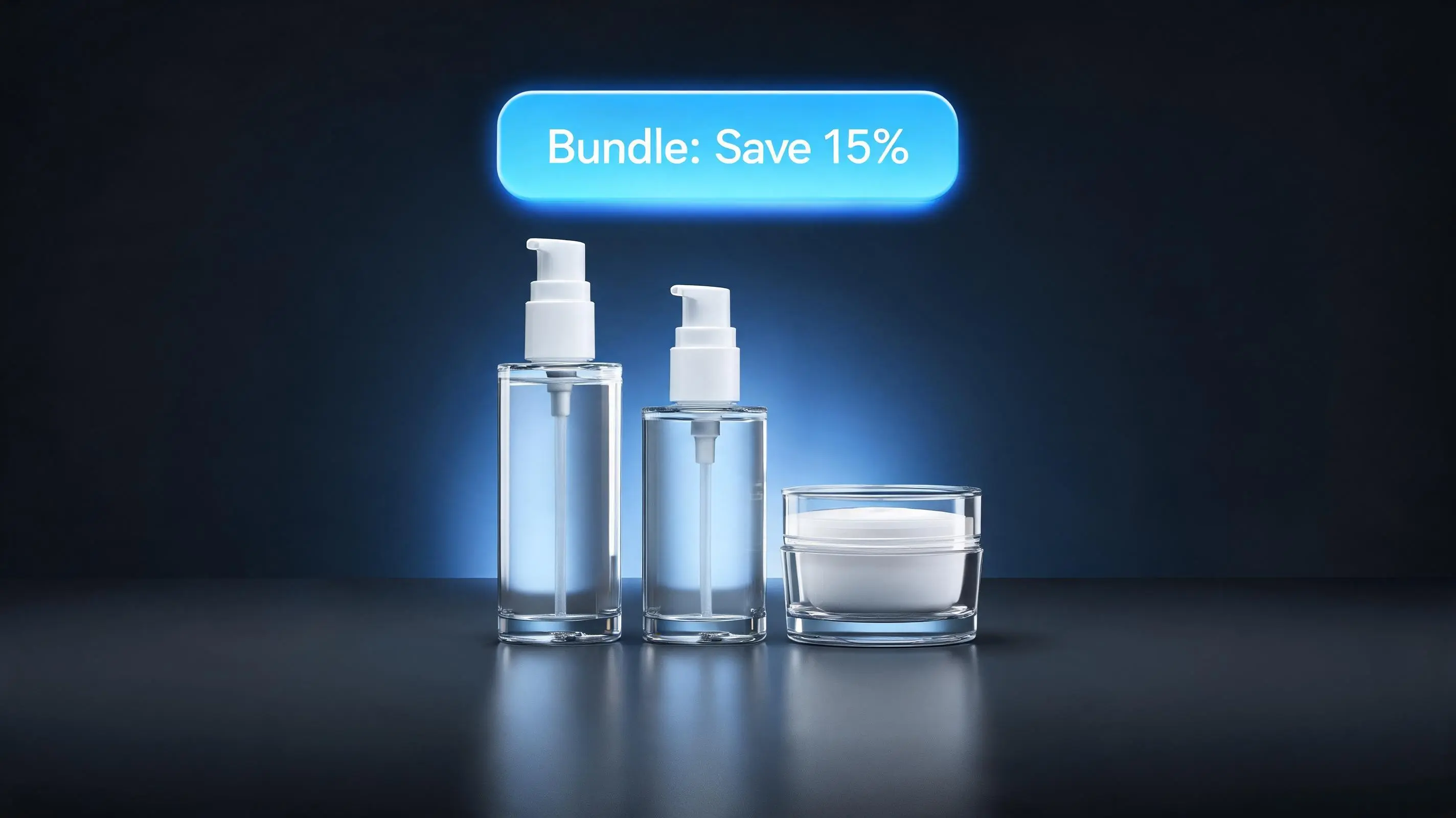
What is a product bundle on Shopify?
A product bundle is two or more products sold together as a single offer, typically at a combined discount. The discount is what makes the bundle compelling — without it, you're just showing products on the same page. With it, you're creating a deal that feels better than the sum of its parts.
Bundles have been a core retail strategy for decades. McDonald's created the Happy Meal in 1979. Cable companies have bundled channels since the 1980s. Amazon's "Frequently Bought Together" mechanic — which McKinsey estimates drives 35% of the company's revenue — is a bundle by another name. The psychology is simple: people perceive bundled pricing as a better deal even when the math doesn't always favor them, and they appreciate the reduced cognitive load of making one decision instead of several.
On Shopify, bundles are implemented as a combination of a storefront widget (that shows the bundle offer on the product page) and a discount code (that applies the savings at checkout). A dedicated bundle app handles both automatically. Without an app, you'd have to manually create discount codes in Shopify admin and somehow present the bundle visually — which is why every serious bundle implementation uses an app.
The two types of Shopify product bundles
There are two fundamentally different bundle types, and understanding the distinction determines which one you should build first.
Fixed bundles
A fixed bundle is a preset combination of specific products sold together. The merchant defines exactly which items are included, and the customer cannot change the contents. Examples:
- "The Morning Routine" — Cleanser + Toner + Moisturizer, 15% off when purchased together
- "The Home Office Starter Kit" — Desk lamp + Cable organizer + Mousepad, $10 off the set
- "The Complete Protein Stack" — Whey protein + Creatine + Pre-workout, 20% off
Fixed bundles work best when you have strong complementary relationships between specific products — when buying one almost always implies a need for the other. They're also the right choice for gift sets, curated collections, and new-customer starter packs where you want to control the narrative ("here's exactly what you need to get started").
Mix-and-match bundles
A mix-and-match (M&M) bundle lets the customer choose their own combination from a defined collection. The merchant sets a minimum quantity and a discount, and the customer picks which specific items they want. Examples:
- "Pick Any 3 Candles — Save 20%" — customer selects from the entire candle collection
- "Build Your Skincare Routine — Buy 4, Get 15% Off" — customer picks any 4 products from the skincare range
- "Mix Your Flavors — 6-Pack Bundle" — customer selects 6 protein bars from 12 flavor options
M&M bundles work better when you have many SKUs within a category and customers have personal preferences. They reduce the "I don't want all three of those specific products" objection that kills fixed bundle conversion for stores with diverse inventory. For a detailed breakdown of when M&M outperforms fixed, see the full mix-and-match bundle guide.
Why product bundles increase average order value
The mechanism behind bundle conversion is well-documented across three psychological principles:
Price anchoring
When a customer sees a bundle price, they instinctively compare it to the sum of individual prices. If individual items total $89 and the bundle is $74, the customer anchors to the $89 figure and perceives $15 in savings — regardless of what they were originally planning to spend. This anchoring effect means bundles often convert customers who arrived intending to buy only one item, because the "deal" reframes their purchase decision entirely.
Perceived value amplification
Bundles increase perceived value beyond the monetary discount. Getting three products "as a set" feels more complete, more intentional, and more premium than buying them individually. This is why gift sets command higher prices than the same items sold separately — the packaging and bundling itself adds value. On Shopify, a well-named bundle ("The Founder's Kit", "The Complete System") carries this same halo effect.
Decision simplification
When a customer lands on a product page undecided about accessories or complementary items, a bundle removes that decision. Instead of researching "which conditioner goes with this shampoo," the bundle answers that question for them. Reducing decision friction at the point of purchase is one of the highest-value UX improvements you can make — and bundles deliver it by design.
Quantitatively, Shopify merchants who implement bundles consistently report AOV increases of 15–30%. The range depends heavily on discount depth, bundle type, and category. For a full breakdown of AOV strategy including bundles and six other tactics, see How to Increase Average Order Value on Shopify.
Does Shopify support bundles natively?
Not in a meaningful way, as of 2026. Shopify's core platform lets you create products with multiple variants, which you could technically use to represent a bundle (e.g., a "Bundle" product with a "3-pack" variant). But this approach has serious limitations:
- No automatic discount code creation or application
- No storefront widget on existing product pages
- No mix-and-match capability
- Inventory is tracked against the bundle product, not individual SKUs, creating fulfillment complexity
- No way to trigger the bundle offer contextually on the product pages of included items
Shopify's native "Bundle" product type (introduced in limited form in 2024) is available only to Shopify Plus merchants using the Bundles channel, and it still lacks M&M support and automatic widget display. There is also a free first-party Shopify Bundles app for fixed and multipack bundles, but it stops short of mix-and-match and volume tiers. For the full breakdown of what the native options do and where they run out, see EZBundle vs Shopify's native bundles. For the vast majority of Shopify merchants on Standard, Advanced, or even Plus plans, a dedicated bundle app is the correct solution.
Step-by-step: creating a fixed bundle with EZBundle
EZBundle is a Shopify bundle builder app that handles both fixed and mix-and-match bundles via a Theme App Extension. It creates discount codes automatically and installs a storefront widget that appears on the product pages of all included items.
Install EZBundle
Install EZBundle from the Shopify App Store. The app uses a Theme App Extension — it does not inject scripts or modify your theme files directly. After installation, you'll be redirected to the EZBundle admin inside Shopify.
Create a new bundle
In the EZBundle admin, click "Create Bundle." Give your bundle a name that customers will see (e.g., "The Morning Routine Kit"). Select "Fixed Bundle" as the bundle type.
Select products
Use the product picker to select the specific products (and variants) included in the bundle. EZBundle pulls your full product catalog from Shopify. You can include 2–10 products. Each product can specify a required quantity (e.g., 1× Shampoo, 1× Conditioner, 1× Hair Mask).
Set the discount
Choose between a percentage discount (e.g., 15% off) or a fixed-amount discount (e.g., $10 off). EZBundle queries your shop's currency dynamically — no hardcoded USD. For guidance on choosing the right discount depth without eroding margins, see the Shopify bundle discount guide.
Activate the bundle
Click "Activate." EZBundle automatically creates a Shopify discount code in the format EZB-{bundleId}-{suffix} using the discountCodeBasicCreate GraphQL mutation. The code applies only when all bundle products are in the cart.
Enable the theme widget
Go to Online Store → Themes → Customize. In the theme editor, navigate to a product page that's included in your bundle. Add the EZBundle app block from the "Apps" section. The widget will automatically detect which bundle the current product belongs to and display the offer. Repeat for other product templates as needed.
Step-by-step: creating a mix-and-match bundle with EZBundle
The M&M setup follows the same flow, with one key difference: instead of selecting individual products, you select a Shopify collection.
Create (or use) a collection
In Shopify admin, create a collection containing all products the customer can choose from. This could be "All Supplements," "Candle Collection," or "Summer Apparel." EZBundle uses the collection's product list to power the M&M picker on the storefront.
Create the bundle and select M&M type
In EZBundle, create a new bundle and select "Mix & Match." Set the minimum quantity required (e.g., "Any 3 items") and the discount. Select your collection from the collection picker.
Activate and test
Activate the bundle. EZBundle creates a discount code scoped to all items (using { all: true } in the discount configuration). The storefront widget uses your product's collection membership to match the right M&M bundle — so if a product is in the "Skincare" collection and you have an active M&M bundle on that collection, the widget automatically shows it on the product page.
How the bundle widget works on your storefront
EZBundle's storefront widget is delivered as a Liquid app block (Theme App Extension), which means it runs natively within your theme without any external script loading overhead. When a customer views a product page:
- The Liquid block reads the product's collection GIDs from Shopify's storefront data
- It calls EZBundle's proxy endpoint:
/apps/ezbundle/bundle?product_id=...&collection_ids=... - The proxy checks for an active fixed bundle containing this product, or an active M&M bundle matching the collection
- If a bundle is found, the widget renders with the bundle name, included products, and discount callout
- When the customer clicks "Add bundle to cart," all products are added and the discount URL applies the code at checkout via a redirect to
/discount/CODE?redirect=/cart
The entire widget is Liquid + vanilla JavaScript — no React, no external dependencies, fast page load. The proxy response is cached (max-age=10) to minimize server load during high traffic.
Setting the right bundle discount without killing margins
The most common mistake merchants make with bundles is discounting too aggressively. A 30% bundle discount sounds compelling, but on a 40% gross margin product, you've just cut your margin in half. Here's a practical framework:
| Gross margin | Safe bundle discount range | Why |
|---|---|---|
| 70%+ (digital, supplements, beauty) | 15–25% | High margin absorbs the discount; still profitable at the higher end |
| 50–70% (apparel, home goods) | 10–20% | Preserves reasonable contribution margin per bundle |
| 30–50% (electronics accessories, food) | 5–15% | Discount must be funded by volume increase, not margin erosion |
| Under 30% (commodity products) | 5–10% max | Focus on perceived value rather than discount depth |
The deeper analysis — including margin math formulas, percentage vs. fixed-amount psychology, and the most common bundle pricing mistakes — is covered in the dedicated Shopify bundle discount guide.
Where to place the bundle widget on your product page
Widget placement has a significant impact on bundle conversion. The highest-performing placement in testing is immediately below the product description, before the add-to-cart button. This captures customers at peak intent — they've read about the product and are deciding whether to buy. Showing the bundle at this moment either upgrades the sale or confirms the individual purchase.
Second-best placement is below the add-to-cart button but above product reviews. This catches customers who've already decided to buy the individual item and gives them a natural upgrade opportunity. For a full guide on widget placement, copy strategy, and pairing bundles with urgency widgets, see Shopify Bundle Upsell: How to Present Bundle Offers That Actually Convert.
A complementary tactic: pair your bundle widget with a countdown timer from PopBoost. A "Bundle sale ends in 2:14:33" timer above the bundle offer creates urgency that meaningfully lifts conversion beyond the bundle alone. Similarly, PopBoost's social proof popup showing "Maria from Denver just bought the Morning Routine Kit" reinforces that the bundle is popular — the combination of urgency and social proof alongside a bundle offer is one of the highest-converting setups a Shopify product page can have.
Managing bundle inventory
One concern merchants have about bundles is inventory management — specifically, whether selling bundles will cause inventory discrepancies on individual SKUs. The answer depends on how your bundle app handles it.
EZBundle uses Shopify's native cart and checkout, meaning each product in a bundle is added individually to the cart. Shopify's inventory system deducts stock for each item exactly as it would for individual purchases. There's no separate "bundle inventory" to manage — the bundle is a discount wrapper around individual products, not a distinct inventory item.
This is the correct approach for most merchants. The alternative — a "bundle as a product" model, where you create a new product SKU representing the bundle — creates serious fulfillment complexity: you have to manually sync inventory between the bundle product and its components, and you lose Shopify's native inventory tracking for each SKU. If you're scaling to the point where bundle inventory needs dedicated tracking, EZStock gives you purchase order management, supplier tracking, and inventory velocity reporting that integrates with how Shopify tracks your individual SKUs.
Which bundle type should you build first?
If you're new to bundles, start with a fixed bundle. Choose two or three products that you know customers frequently buy together (check your order history for patterns) and create a bundle with a 10–15% discount. Add the widget to the product page of the most-purchased item in the group. Run it for two weeks and measure AOV change.
Once you see the lift from a fixed bundle, consider adding M&M if your catalog has a collection of similar products. M&M bundles typically convert better than fixed bundles for stores with variety-driven purchasing (clothing, supplements, snacks) and worse for stores with specific-use complementary products (hardware kits, skincare routines, tech accessories).
For a detailed niche-by-niche breakdown of which bundle type performs best across apparel, supplements, beauty, home goods, electronics, and food, see Product Bundle Strategy for Shopify: Which Bundle Type Fits Your Store.
Comparing bundle apps before you commit
Before we built EZBundle, we tested every major bundle app on the market — BOLD Bundles, Kitenzo, Bundler, and ZenBox. All of them had critical reliability problems: checkout bugs on newer Shopify versions, M&M discount code issues, widget failures on OS 2.0 themes, and UI complexity that made simple bundles take 30+ minutes to configure. EZBundle was built specifically to fix those failure points: Theme App Extension (not script injection), automatic discount code creation, and collection-based M&M matching without custom code. For the full comparison, see Best Shopify Bundle Apps in 2026.
Frequently asked questions about Shopify product bundles
What is a product bundle on Shopify?
A product bundle is two or more products sold together at a combined discount. Bundles can be fixed (preset product combinations) or mix-and-match (customer picks from a collection). They're used to increase average order value, move complementary inventory, and improve perceived deal value for customers.
How do I create a bundle on Shopify?
Install a bundle app like EZBundle, create a bundle (fixed or M&M), select your products or collection, set a discount percentage or amount, and activate. EZBundle creates the discount code automatically and adds a storefront widget to your product pages via a Theme App Extension — no code or Liquid editing required.
Does Shopify support product bundles natively?
No — not in a way that's practical for most merchants as of 2026. Shopify Plus has a limited Bundles channel, but it lacks mix-and-match support and automatic widget display. For Standard, Advanced, or most Plus plans, a bundle app is the correct approach.
What is the difference between a fixed bundle and a mix-and-match bundle?
A fixed bundle has preset contents (specific products, no substitution). A mix-and-match bundle lets the customer pick their own items from a collection. Fixed bundles work best for complementary product sets and gift collections. M&M bundles work best for stores with many SKUs in one category where customers have strong personal preferences.
Do product bundles actually increase sales on Shopify?
Yes. Merchants who implement bundles typically see AOV increases of 15–30% within the first 30 days. The lift comes from price anchoring (the bundle price looks cheaper vs. the sum of parts), decision simplification (one purchase instead of several), and perceived value amplification (a "set" feels more complete than individual items).
For the next steps, see the full mix-and-match bundle guide if your store has collection-based catalog depth, or the bundle discount guide to set your discount levels correctly before launch. If you're evaluating bundle apps, the 2026 bundle app comparison covers every major option side-by-side. To pair your bundles with urgency and social proof widgets that amplify conversion, see what PopBoost adds to the bundle equation.