How bundle discount codes work in Shopify
Shopify's discount system is built around discount codes — alphanumeric strings (e.g., SUMMER20, EZB-4XK2-A8) that customers enter at checkout or that are pre-applied via URL. Bundle apps use the pre-applied URL method to create a seamless experience: the customer clicks "Add bundle to cart," the items are added, and the browser navigates to /discount/CODE?redirect=/cart. This URL sets a session cookie that activates the discount code at checkout — the customer never needs to find or type a code.
If you previously ran bundle pricing through Shopify Scripts, note that Scripts stopped running on June 30, 2026. See how to migrate Scripts to Functions to keep your discounts working on the new checkout.
When EZBundle creates a bundle, it immediately creates the corresponding Shopify discount code via the discountCodeBasicCreate GraphQL mutation. The code format is EZB-{shortBundleId}-{suffix} — unique, unguessable, and clearly attributable to the bundle app if you're auditing your discount library in Shopify admin. Two discount types are supported:
- Percentage discount — reduces each item's price by the configured percentage at checkout
- Fixed amount discount — reduces the cart total by a specific dollar (or local currency) amount. EZBundle queries
shop { currencyCode }dynamically so the amount is always in the correct store currency — no hardcoded USD.
For fixed bundles (specific product combinations), the discount code is scoped to the exact product variant GIDs in the bundle. For mix-and-match bundles, EZBundle creates the code with { all: true } scope, meaning it applies to any products — the bundle logic (minimum quantity, eligible collection) is enforced at the widget level, not at the discount code level.
The margin math: how to set bundle discounts that stay profitable
The most important number to know before setting any bundle discount is your product's gross margin. Gross margin is the percentage of revenue remaining after the direct cost of goods:
Post-discount margin = Gross margin − Discount %
Example: $40 price, $12 COGS → 70% margin. Bundle at 20% off → 50% post-discount margin ✓
Example: $40 price, $28 COGS → 30% margin. Bundle at 20% off → 10% post-discount margin ⚠️
The post-discount margin must remain above your break-even — which includes not just COGS but your allocated cost of shipping, payment processing (typically 2.9% + $0.30 on Shopify), and any variable fulfillment costs. A rule of thumb: keep post-discount margin above 35% for most consumer goods categories to maintain healthy unit economics.
| Gross margin range | Safe discount range | Typical categories |
|---|---|---|
| 70%+ | 15–25% | Supplements, beauty, digital products |
| 55–70% | 10–20% | Apparel, home decor, candles |
| 40–55% | 8–15% | Skincare, accessories, stationery |
| 25–40% | 5–12% | Electronics accessories, food |
| Under 25% | 3–8% max | Commodity goods, high-COGS items |
One nuance: a bundle that increases units sold can improve total profitability even if the per-unit margin is lower, as long as the discount is less than the additional contribution margin from the incremental units. If a customer was going to buy 1 item at 60% margin ($18 contribution on a $30 item) and now buys 3 items at 45% margin ($13.50 each = $40.50 total contribution), you're ahead by $22.50 despite the lower margin percentage. This is the correct way to evaluate bundle economics — absolute contribution gain, not percentage comparison alone.
Percentage vs. fixed-amount discounts: which converts better?
The academic literature on discount framing (Thaler, 1985; Kahneman & Tversky) plus decades of ecommerce A/B test data converge on a clear framework:
Percentage discounts win when:
- The bundle total is relatively high (e.g., $80+). "Save $16" (20% of $80) sounds more compelling than "$16 off" because the percentage implies proportionality — 20% sounds like a meaningful fraction.
- Products in the bundle have varied prices. A percentage discount applies fairly to each item; a fixed discount may feel disproportionate on a cheap item.
- You're marketing the offer broadly. "Save 20%" is easier to communicate in ads, emails, and social posts than "save $12.40."
- Products have high gross margins. You can afford a large percentage discount, and large percentages (20%+) signal generosity clearly.
Fixed-amount discounts win when:
- The bundle total is low (under $30). "Save $5" sounds more concrete than "save 17%." For cheap items, percentages are abstract; dollars are tangible.
- You want to anchor to a specific marketing claim ("save $20 when you bundle," which works well in email subject lines).
- All products in the bundle have similar price points, making the fixed discount feel fair across items.
- Your pricing is at psychological thresholds where a specific dollar reduction matters more than a percentage (e.g., dropping a bundle from $50.99 to $39.99 with a "$11 off" code).
For most Shopify bundle programs, percentage discounts are the safer default. They scale correctly with any bundle total, work for both fixed and M&M bundles, and are easier to reason about when adjusting discount levels over time.
The psychology of "buy more save more"
The specific framing "buy more save more" (BMSM) has decades of retail history behind it because it aligns the merchant's incentive (sell more units) with a benefit framing the customer can rationalize ("I'm being smart, not just spending more"). There are three psychological levers at work:
Sunk cost inoculation
Customers who've already mentally committed to buying one item have lower resistance to the idea of buying more of the same category — they've already "accepted" the cost of one unit. A BMSM offer at the point of that first commitment is well-timed: "You're already spending in this category. Spending a bit more saves you money per unit and stock up before running out."
Unit economics framing
BMSM offers are most effective when the per-unit cost is made explicit. "Buy 3 for $75 ($25 each) instead of $30 each" is more compelling than "save $15 on 3 items" because the per-unit framing activates economic reasoning. Customers can see they're getting each item for less, which justifies the additional spend.
Scarcity and stocking up
For consumables, BMSM triggers a "stock up while it's on sale" instinct — the same reason people buy 6 bottles of olive oil when it's on sale at Costco. Pairing a BMSM bundle offer with a limited-time message ("bundle discount ends Sunday") compounds this effect significantly. PopBoost's countdown timer is the right tool for this — a countdown above the bundle widget showing the offer expiry turns a rational deal into an urgent opportunity.
How EZBundle creates and manages discount codes
When you activate a bundle in EZBundle, the app calls Shopify's Admin GraphQL API with a discountCodeBasicCreate mutation. The parameters:
- Code:
EZB-{shortId}-{suffix}— a unique, computer-generated code that prevents customer guessing - Type:
PERCENTAGEorFIXED_AMOUNT - Value: the discount amount you set in the EZBundle admin
- Applies to (fixed bundles):
{ products: { productVariantsToAdd: [variantGid1, variantGid2, ...] } }— scoped to the specific variants in the bundle - Applies to (M&M bundles):
{ all: true }— applies to any products in the cart - Currency: queried dynamically from
shop { currencyCode }— correct currency for every international store - Usage limit: none — the code can be used unlimited times (one use per checkout session, not per customer globally)
When a bundle is deactivated or deleted, the discount code remains in Shopify admin (it becomes inert because the widget no longer triggers it). This is intentional — it preserves your discount audit history. You can manually delete stale codes from Shopify admin if you want a clean discount library.
Common bundle discount mistakes to avoid
Discounting too deeply on low-margin products
A 25% bundle discount sounds generous. On a product with a 28% gross margin, it's a guaranteed loss on every bundle sale. Always run the margin math before setting a discount. If you can't offer a meaningful discount without hurting profitability, consider whether a bundle makes sense for that product category — or switch to a different value-add (gift wrapping, free sample, expedited shipping) that costs less than a price discount.
Running bundle discounts alongside sitewide sales
If you're running a 20% sitewide sale AND a 15% bundle discount, customers who buy bundles during the sale may be receiving up to 35% off (depending on how Shopify stacks discounts). Shopify by default applies the most favorable discount when a customer has multiple codes, but in some configurations codes can stack unintentionally. Audit your active discounts during sale periods to prevent double discounting. EZBundle's codes are clearly labeled (EZB-...) so you can identify them easily in the Shopify discount list.
Using identical discount percentages for all bundles regardless of margin
Not all products have the same gross margin. A 20% bundle discount might be fine for your supplements (70% margin) but destructive for your hardware accessories (30% margin). Configure each bundle's discount based on that specific product combination's margins, not a one-size-fits-all rate.
Forgetting to account for payment processing
Shopify Payments charges 2.9% + $0.30 per transaction (Basic plan) or 2.6% + $0.10 (Shopify plan). On a $90 bundle purchase, that's $2.91 or $2.50 in fees. Add shipping if you offer free shipping. These costs come off the top before margin. Make sure your bundle margin math accounts for them.
Setting minimum-quantity thresholds that customers won't hit
A bundle discount that requires buying 8 items is not a bundle — it's wishful thinking. Check your order history: what's the 80th percentile order quantity for this product category? Set the bundle minimum at that number or slightly above. The discount should feel like an upgrade from what customers were already planning to buy, not a moonshot spend increase.
Bundle discount strategy by category
| Category | Recommended discount | Bundle type | Notes |
|---|---|---|---|
| Supplements / vitamins | 15–20% | Fixed or M&M | High margin, consumable — lead with unit-price savings |
| Skincare / beauty | 12–18% | Fixed (routines), M&M (variety) | Routine bundles justify specific combos; M&M for variety |
| Apparel (basics) | 10–15% | M&M | Customers buy multiple colors — M&M serves this perfectly |
| Home fragrance / candles | 15–20% | M&M | Scent preference is personal; M&M converts better than fixed |
| Coffee / tea / food | 10–15% | M&M | Flavor variety drives M&M; stocking-up framing works well |
| Electronics accessories | 8–12% | Fixed | Complementary accessories have clear pairings; use fixed bundles |
| Pet food / treats | 10–18% | M&M or fixed | Subscription + bundle combo maximizes LTV |
Communicating bundle discounts effectively
The discount needs to be communicated clearly at the point of decision — in the bundle widget, not buried in product descriptions or discovered only at checkout. EZBundle's widget displays the bundle name, included products, and discount prominently. Supplement this with:
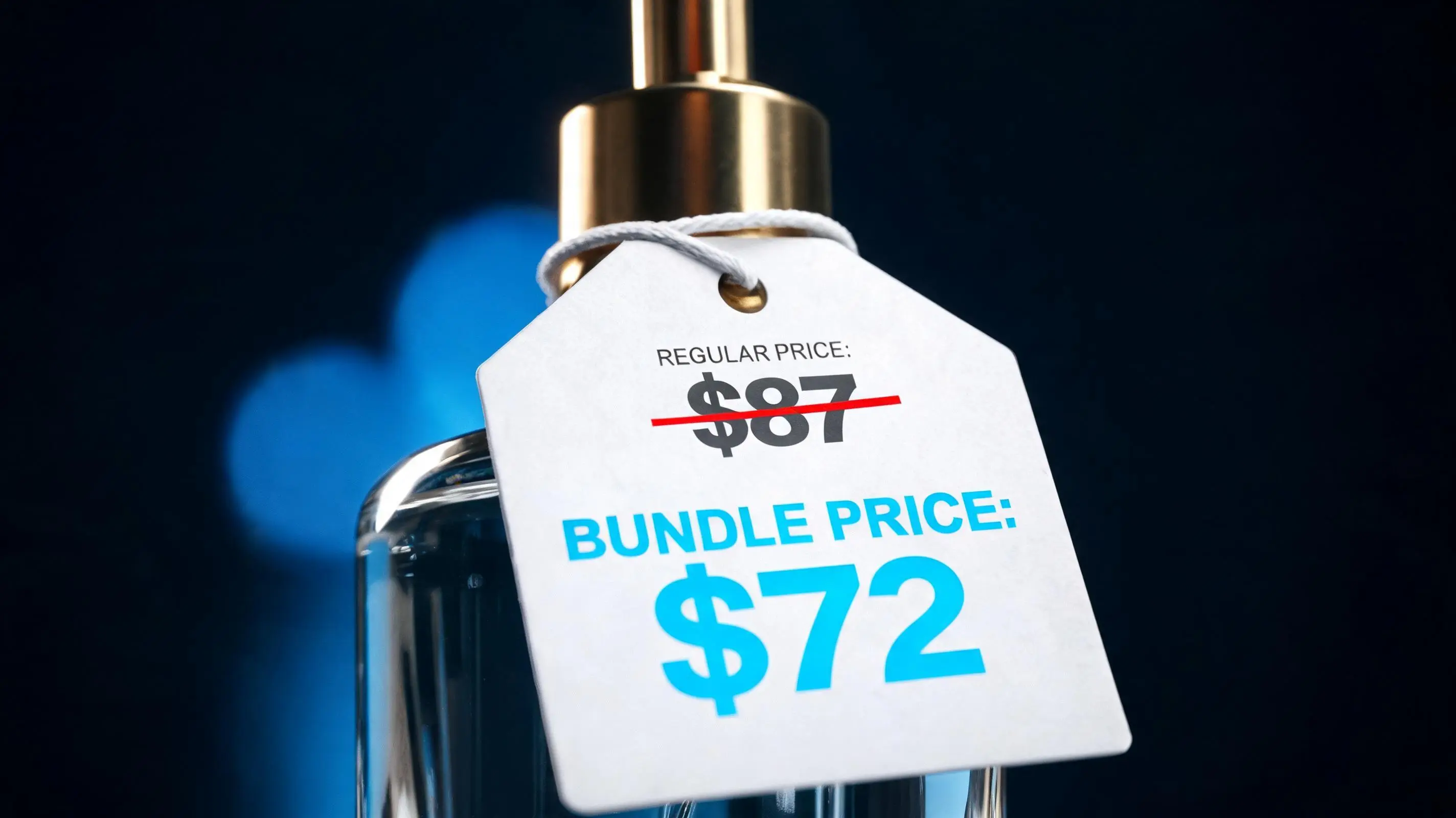
- Price comparison: show the regular total price and the bundle price side by side ("$87 value → $72 with bundle")
- Per-unit savings: for M&M bundles with consistent product pricing, show the per-item savings ("just $24 each, normally $29")
- Urgency frame: pair the widget with a PopBoost countdown timer if the bundle has a defined end date. "Bundle price ends in 48:00:00" converts significantly better than a static discount
- Social proof: a PopBoost social proof popup showing "Sarah from Austin just bought the 3-piece bundle" validates that others are taking the deal
Frequently asked questions about Shopify bundle discounts
How do bundle discounts work on Shopify?
Bundle discounts work via discount codes that are automatically applied when bundle products are added to the cart. EZBundle creates these codes using Shopify's discountCodeBasicCreate mutation. When a customer adds a bundle, the code is applied via a /discount/CODE?redirect=/cart URL, setting a session cookie that activates the discount at checkout.
Should I use a percentage or fixed-amount bundle discount?
Percentage for most cases — especially M&M bundles with varied product prices and any bundle total above $40. Fixed-amount for lower-priced bundles or when you want to anchor marketing to a specific dollar savings. When in doubt, use percentage; it scales correctly with any cart total and is easier to reason about when adjusting discount levels.
What is the right bundle discount percentage?
Use your gross margin as the guide: 70%+ margin → 15–25% safe; 50–70% → 10–20%; 30–50% → 5–15%; under 30% → 5–10% max. Keep post-discount margin above 35% as a minimum threshold for most categories. Run the math before activating any bundle.
How does EZBundle create bundle discount codes?
EZBundle uses Shopify's discountCodeBasicCreate GraphQL mutation to create a unique code (EZB-{id}-{suffix}) when you activate a bundle. Fixed bundle codes are scoped to specific product variants; M&M bundle codes use { all: true } scope. Currency is queried dynamically. No manual discount creation required.
Can I run multiple bundle discounts at the same time on Shopify?
Yes. Each EZBundle bundle has its own discount code, and all codes coexist in your Shopify discount library. Only one code applies per checkout session (the one triggered by the bundle the customer engaged with). Be cautious during sitewide sales — audit active discounts to prevent unintentional stacking.
For the overall bundle setup process, see the complete Shopify product bundle guide. For discount display and conversion tactics — how to show bundle savings in a way that drives action — see Shopify Bundle Upsell: How to Present Bundle Offers That Convert. To understand how discounts fit into a broader AOV strategy, see How to Increase Average Order Value on Shopify: 7 Strategies.