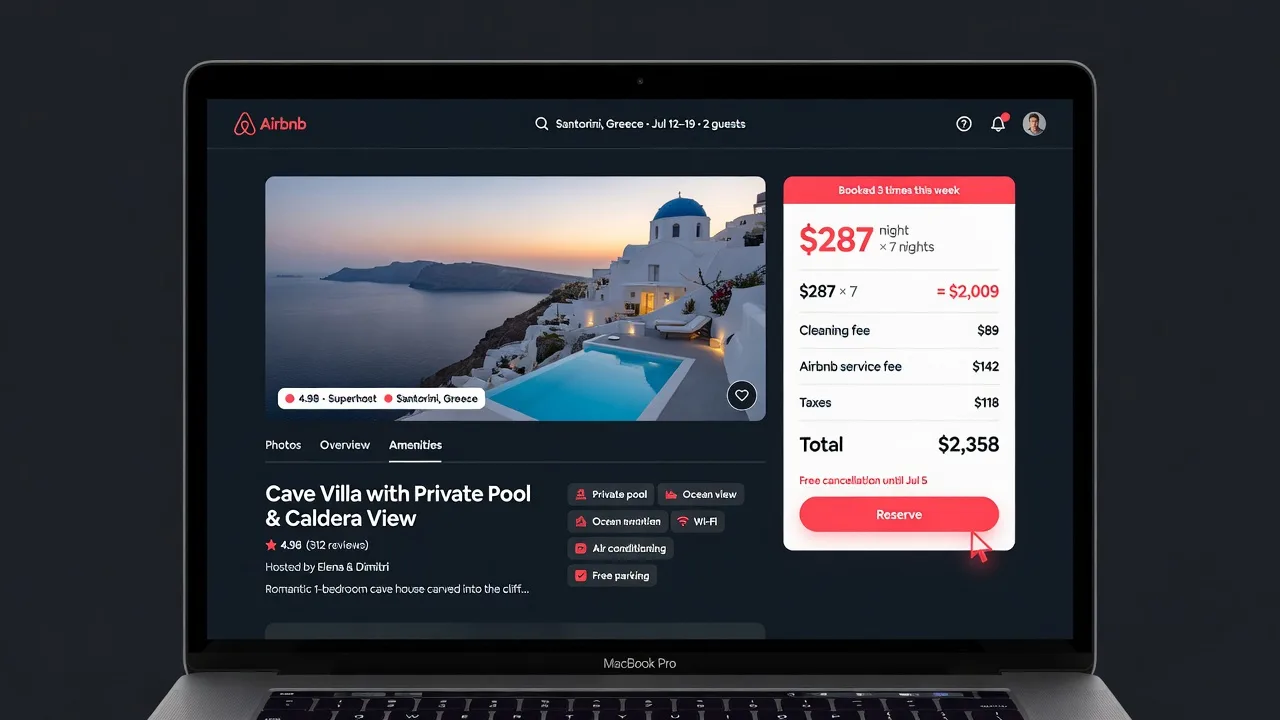
Why guessing your price is expensive
Airbnb hosting is a market. Every night your listing sits available, it's competing against every other similar listing in your area. Price too high and you lose bookings to competitors. Price too low and you fill up fast — leaving revenue you could have earned.
The gap between an optimized price and an arbitrary one is significant. Studies of short-term rental markets consistently show that hosts who actively manage pricing earn 20–40% more annually than those who set-and-forget — even when occupancy rates are similar. The difference is captured in rate: getting $185/night on a weekend instead of $145 adds up fast.
The problem isn't that hosts don't want to optimize. It's that getting the data to do it properly used to require either an expensive SaaS subscription or hours of manual research. AirPrice changes that by surfacing the data directly on your listing page.
| Factor | Rate Impact | Notes |
|---|---|---|
| Bedroom count | +40–80% per additional BR | Strongest single driver of rate |
| Property type (entire home vs. private room) | +60–100% for entire home | Guests pay for exclusivity |
| Amenities (pool, hot tub, EV charger) | +10–30% each | Stacks multiplicatively in luxury segment |
| Location (walkability, beach access) | +20–50% | Micro-location matters more than city average |
| Review score (4.8+ vs. 4.5) | +10–20% occupancy, allows higher rate | Algorithm and social proof both boost |
| Minimum stay setting | -10–25% revenue if too high | Longer minimums block short-trip demand |
| Weekend vs. weekday | +20–35% on Fri-Sat | Applies in most leisure markets |
| Seasonal peak | +30–60% vs. shoulder | Beach: summer; ski: winter; city: year-round events |
What data you actually need to price well
Good Airbnb pricing requires three inputs:
- Comparable listings and their current rates — what similar properties in your area are charging right now, not last month's averages
- Demand signals — which upcoming dates have high demand (events, holidays, peak season) vs. slow periods that need a lower price to fill
- Your own performance baseline — your current occupancy rate and average rate, so you know whether you're over- or under-priced relative to actual bookings
AirPrice provides the first two directly on your Airbnb listing page. The third comes from your own hosting history.
Using AirPrice to set your base rate
Install AirPrice and open your listing
Add AirPrice to Chrome from the Chrome Web Store. Open your Airbnb listing page (or any comparable listing in your market). The AirPrice panel appears automatically — no setup needed.
Read the comparable listings gallery
AirPrice surfaces nearby listings with similar bedroom count and amenities, showing their current nightly rates. Scan these comps — look at where the cluster of similar listings is priced. That cluster is your market rate. If you're priced significantly above the cluster, you'll lose bookings. If you're significantly below, you're leaving money behind.
Check the specific price recommendation
AirPrice gives a specific nightly rate recommendation based on the comp analysis. Use this as your anchor. You can price slightly above it if your listing has standout amenities (hot tub, exceptional views, new renovation) or slightly below if you're newer with fewer reviews and want to build occupancy first.
Check the demand calendar
The 6-weekend demand calendar shows which upcoming weekends have elevated demand in your market. High-demand weekends should be priced 20–40% above your base rate. Low-demand periods may need a small discount to fill gaps in your calendar.
The right way to use Airbnb's Smart Pricing
Airbnb's built-in Smart Pricing adjusts your rate automatically — but it's optimized for Airbnb's goal of maximizing bookings on the platform, not your goal of maximizing revenue. Smart Pricing tends to push rates lower to increase booking probability, which helps Airbnb's conversion metrics but often undercuts hosts.
If you use Smart Pricing, set a strong minimum price floor based on your AirPrice comp analysis. Smart Pricing will adjust above that floor on high-demand nights, but the floor prevents it from discounting you below market on slow nights.
How often to revisit your pricing
Markets shift. New listings open, competitors adjust, local events get announced. A price that was competitive in January may be above market by March. The hosts who consistently outperform check their comp rates at least once a month — and check the demand calendar every time they're about to enter a peak period.
With AirPrice, this takes less than two minutes: open your listing, read the panel, adjust if needed. There's no dashboard to log into, no CSV to download.