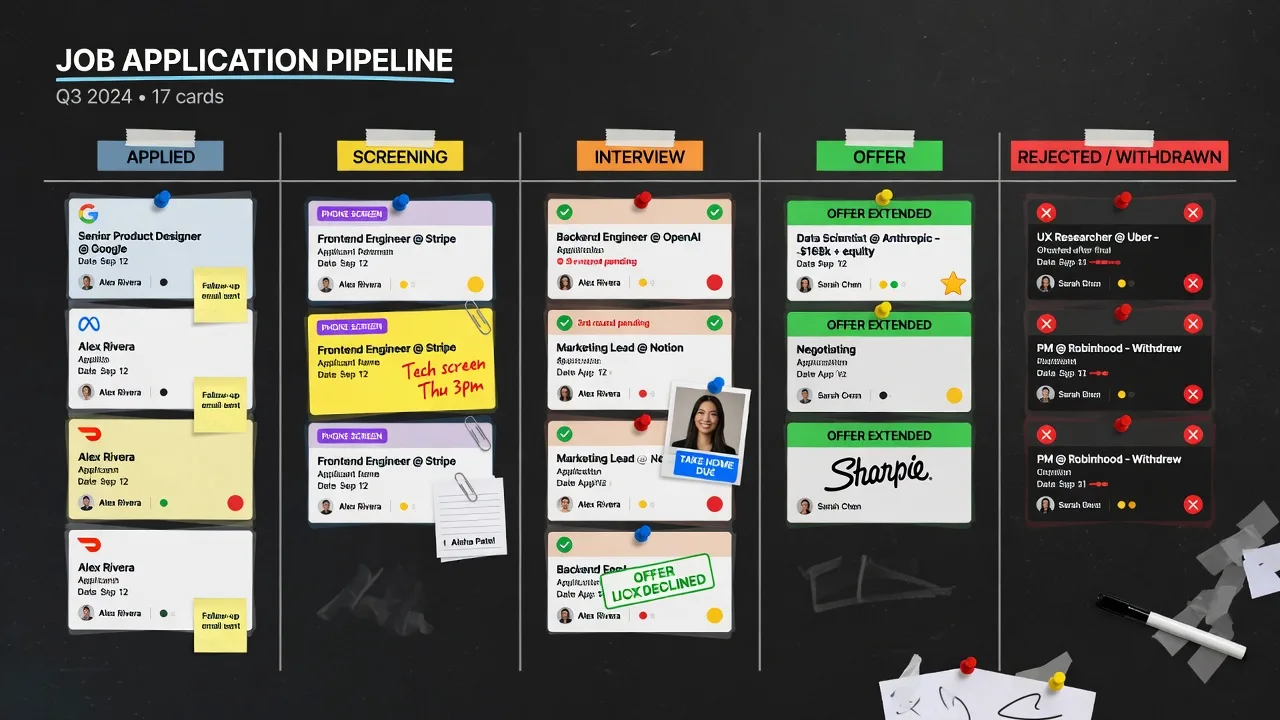
Why your pipeline falls apart without a tracker
Job searching at volume means submitting applications across LinkedIn, Indeed, company career pages, Greenhouse portals, and Workday systems — often in the same afternoon. Without a single record of where you've applied, what stage each application is at, and when you last heard back, two things happen:
- You apply to the same job twice at the same company (a real negative signal to recruiters)
- You don't follow up — because you don't have a clear record of what's overdue
Following up after 5–7 business days is one of the most consistently effective things a job seeker can do. Most candidates don't do it, because they can't remember which applications are at which stage. A tracker solves this directly.
| Field | Why Track It | Follow-Up Trigger |
|---|---|---|
| Company name | Avoid duplicate applications | - |
| Job title + URL | Reference during interview prep | - |
| Date applied | Calculate response time | If no response in 5–7 days - follow up |
| Application status | Current stage visibility | Status change - update notes |
| Contact name/email | Direct follow-up channel | 5 days after apply - email contact |
| Cover letter version | A/B test effectiveness | Compare response rates by version |
| Phone screen date | Interview prep timeline | 24h before - prepare questions |
| Rejection / offer | Win/loss rate tracking | Rejection - analyze pattern monthly |
| Notes | Context for follow-up | Re-read before every call |
The five statuses that cover every scenario
You don't need a complex system. JobPilot's tracker uses five statuses that cover every point in the application lifecycle:
- Applied — submitted, waiting for any response
- Phone screen — recruiter or HR screen scheduled or completed
- Interview — technical, panel, or hiring manager interview in progress
- Offer — offer received, in negotiation or evaluation
- Rejected / Closed — passed on or position filled
Move applications through these stages as you get updates. The tracker becomes a real-time picture of where your job search stands — not just a historical log.
How to use JobPilot's application tracker
Log every application immediately after submitting
Don't batch-log at the end of the week. The moment you submit, click the JobPilot panel and log it. JobPilot auto-fills the company name, job title, and job board from the page — it takes five seconds. If you leave it for later, you'll leave half of them unlogged.
Add a follow-up date when you apply
Set a mental or calendar reminder for 5–7 business days after submitting. If you haven't heard back by then, send a one-paragraph follow-up email to the recruiter or hiring manager if you have their contact. Most candidates don't follow up. The ones who do stand out.
Update status as you move through stages
When a recruiter reaches out, move the application from Applied to Phone Screen. When you complete an interview, update to Interview. This keeps your pipeline accurate and lets you see at a glance how many live opportunities you have at each stage.
Export to CSV for weekly review
JobPilot lets you export your full tracker to CSV. Once a week, open the export and review: How many applications are in the Applied stage with no update after 10+ days? Those need a follow-up or a close. How many active interview processes do you have? That's your real pipeline.
What your tracker tells you about your search
After 2–3 weeks of consistent tracking, the data tells you things you can't see in the moment:
Low response rate (under 10%): Your resume or cover letter isn't converting. Try a different approach — tighten the resume, improve the cover letter targeting, or adjust the role level you're applying to.
Good response rate, low interview conversion: You're getting through the first screen but not progressing. This usually means your phone screen performance needs work — preparation, framing your story, or asking better questions.
Good interview rate, no offers: The gap is at the final stage — usually a combination of offer negotiation, a competing candidate, or cultural fit signals in late interviews.