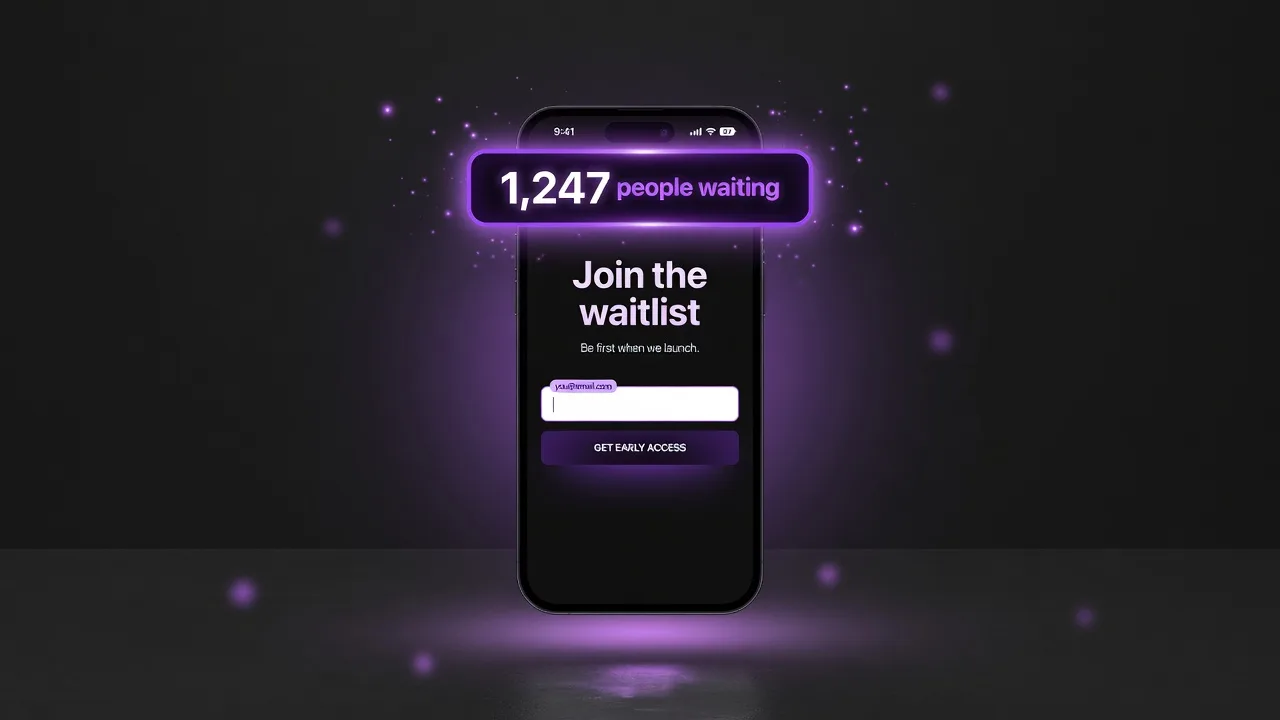
Back-in-stock vs. drop-launch: two different problems
Before evaluating any waitlist app, understand which problem you're solving. They require different features.
Back-in-stock waitlists are passive. A product sells out. A "notify me" button appears. Shoppers enter their email. When you restock, the app sends a notification email. Simple, transactional, no urgency generated.
Drop-launch waitlists are active. You're building demand before inventory is available. The waitlist is a marketing event in itself — you want people talking about it, sharing it, competing for position. The app needs to generate and sustain FOMO across the entire pre-launch window.
Most apps on the Shopify App Store are built for back-in-stock. They'll work for that use case, and they're not wrong for it. But if you want to run a hype-driven limited drop, you need an app that was designed around that specific mechanic.
| Feature | Back-in-Stock App | Drop Waitlist (EZDrop) | Use Case |
|---|---|---|---|
| Trigger | Product out of stock | Merchant creates a drop | Restock vs. pre-launch |
| Public waitlist URL | ✗ | ✓ Shareable link | Viral sharing needs public URL |
| Referral queue system | ✗ | ✓ Score-based position | EZDrop unique |
| FOMO countdown | ✗ | ✓ Live countdown + slot count | Urgency mechanics |
| Notify when restocked | ✓ Automated | ✓ Launch-day email | Different trigger timing |
| Slot limits | ✗ | ✓ Merchant-defined | Scarcity control |
| Klaviyo integration | ✓ Most support it | ✓ EZDrop supports it | Email marketing sync |
| Pricing | $9–$29/mo typical | Free–$49/mo (EZDrop) | — |
| Best for | Regular products | Limited drops, new launches | — |
Five features that actually matter for product drops
1. A public, shareable waitlist URL
The waitlist page needs to exist as a standalone URL you can share before launch. Not just a popup on a product page, but a dedicated page at a clean URL like ezdrop.app/drop/abc123. This page should show the live signup count, a countdown timer, and the signup form. It becomes the landing page for all your pre-launch promotion — social posts, email CTAs, influencer links.
Without a standalone page, you're constrained to promoting the product page itself, which may not even have inventory yet. A dedicated waitlist URL decouples the hype-building from the product page.
2. A referral queue — not just a list
This is the single most impactful feature in a drop-launch waitlist app, and most apps don't have it.
A standard waitlist is ordered by signup time: first come, first served. That's fine, but it gives every person on your list zero incentive to tell their friends. Their position is locked from the moment they sign up.
A referral queue gives every signup a unique share link. When a friend signs up through that link, the referrer moves up the queue. Now every person on your waitlist has a strong personal reason to promote your product — not because they love your brand, but because it directly improves their own outcome. This is what turns a waitlist into a distributed marketing channel.
EZDrop implements this with a scoring algorithm: score = time_bonus + (referral_count × 50). Sign up early and you start higher. Each referral adds 50 points — roughly equivalent to jumping ~500 positions in a 10,000-person waitlist. People feel this is fair, which is why they share rather than complain about it.
3. A live entry count visible to new visitors
Social proof is not optional in a drop launch. When a new visitor sees that 1,200 people have already signed up, three things happen: they believe the product is worth wanting, they experience urgency (slots are limited), and they're more likely to share to improve their own position. A waitlist page that doesn't show a live count loses all of this.
The storefront badge feature in EZDrop extends this to your product pages: a popup appears showing the live count and countdown, pulling in shoppers who landed on the page organically without ever seeing your drop promotion.
4. Automated launch emails
When your drop goes live, you want the top-ranked waitlisters to hear about it immediately — not hours later when you remember to send an email manually. The app should send a launch email automatically the moment you activate the drop, with each person's direct link to your Shopify product page. They click, land on the product, and buy through your normal checkout.
This matters more than it might seem. The first 10–15 minutes of a drop are when the highest-intent buyers are most activated — they've been watching the countdown. An automated blast catches them at peak motivation. A manual email sent an hour later finds a colder audience.
5. No payment processing
This is a must. Some apps try to collect deposits or pre-payments as part of the waitlist process. Avoid these unless you have a specific reason to hold funds (which creates financial and legal complexity). A well-run drop doesn't need a deposit — the referral mechanics and FOMO are sufficient to drive conversion on launch day. Keep purchase flowing through your normal Shopify checkout where you have full control, existing payment methods, and no intermediary fees.
EZDrop handles only the waitlist. Purchase happens through your existing Shopify Payments setup. You keep 100% of the revenue minus your normal processing fees.
Features you don't need (and that create complexity)
Social login / OAuth signups. Adding "sign in with Google" or "sign in with Facebook" to your waitlist form introduces friction and dependency on third-party auth. A simple email + first-name form converts better and collects cleaner data.
Built-in payment holds. Covered above — avoid unless you've specifically built a pre-order model that requires it.
Deep Klaviyo/Mailchimp integrations. Useful if you're running a sophisticated email program, but not necessary for your first drop. The app's own transactional emails (confirmation, launch notification) are sufficient. Add integrations once you've validated the drop format.
Analytics dashboards with custom metrics. Nice to have, but you can get 90% of what you need from the entry list (count, referral rate, top referrers) and your Shopify order data. Don't pay for analytics complexity before you've run your first drop.
How to use a waitlist app to actually sell out
The app is infrastructure. The work is promotion. Here's the sequence that produces sellouts:
Seed before you announce
Before any public promotion, send the waitlist link to 20–30 people you trust — previous customers, newsletter VIPs, friends who fit your audience. Get your entry count above zero so the first public visitors see social proof, not an empty list.
Teaser content, not product reveals
Don't show the full product before launch. Tease it — a detail shot, a color swatch, a lifestyle shot with the product obscured. Curiosity drives signups at higher rates than full product photos, which get evaluated and dismissed. The referral mechanic then amplifies from whatever base you build.
Email your existing list at day 1 and day 7
Your existing customers are your highest-intent waitlist seed. Email them on day one with the waitlist link and your referral mechanic explanation ("share your link to move up"). Email again at the 7-day mark with a live count update — seeing "743 people ahead of you" motivates sharing that the first email didn't.
The 48-hour countdown push
Two days before launch, send an email and post on social with the live count and exact launch time. This is your highest-converting promotional moment. People who have been watching the waitlist are most motivated to share at this point — their position is about to lock in.
EZDrop: built for this exact use case
Referral queue, live entry count, countdown timer, automated launch emails, storefront badge — free to start. See the full feature set at ezdrop.app or the EZDrop listing on Extensions Market.
Install EZDrop free →Free plan · 1 active drop · 500 entries · no credit card required
Or learn more at ezdrop.app — the Shopify waitlist app