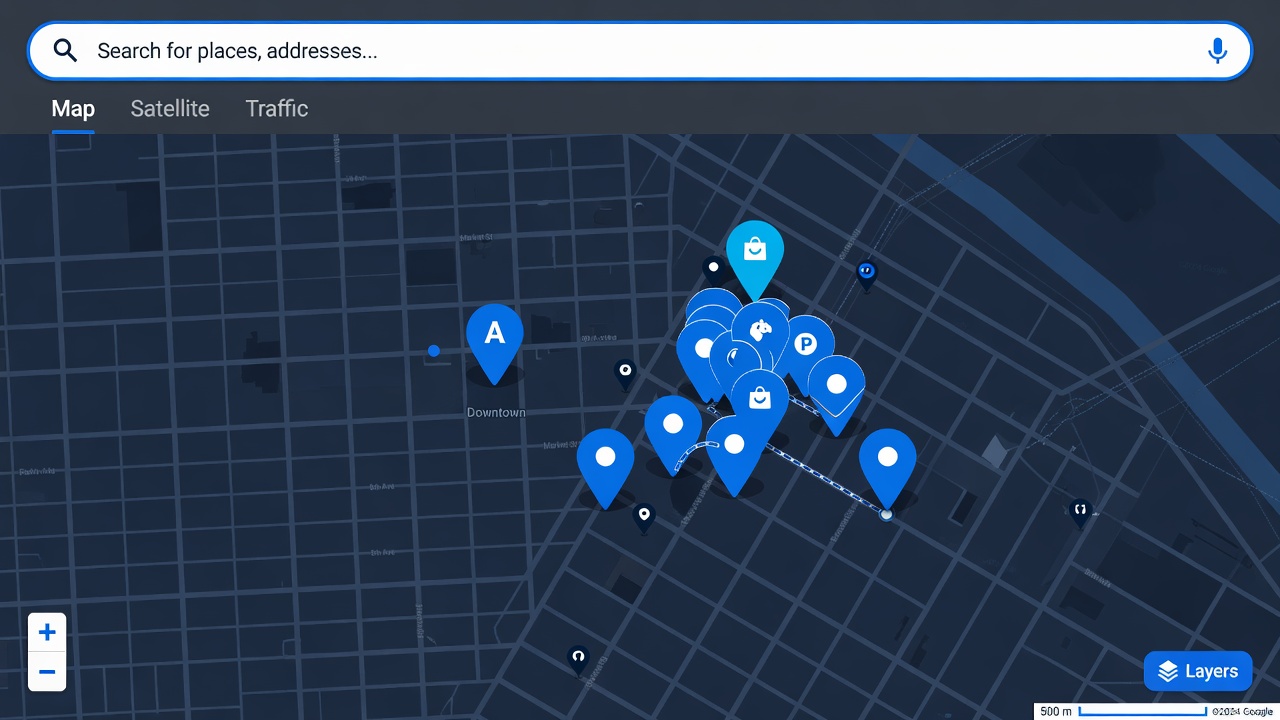
How Google Maps search works for business prospecting
When you search on Google Maps, it returns businesses matching your query sorted by relevance and proximity. The results include businesses that have verified Google Business Profiles as well as unverified listings — which means even small, low-tech businesses appear if they have any presence on Google.
This is different from LinkedIn or data brokers, which skew toward companies that actively maintain their digital profiles. Google Maps captures the full range: the two-person plumbing operation with no website, the multi-location law firm with a full marketing team, and everything in between.
The anatomy of a good prospecting search
A Google Maps search for prospecting has three components: business type, geographic qualifier, and optionally a proximity anchor.
Business type
Use the generic category, not the branded name. "HVAC companies" not "Carrier dealers". "Personal injury lawyers" not "accident attorneys" — though both will work, the generic category terms tend to surface more results. Google Maps also autocompletes category searches, which helps you find the terminology Google uses internally for that type of business.
Geographic qualifier
City + state is the most reliable format: "roofing contractors Denver CO", "auto body shops Miami FL". For very large cities, add a neighborhood or district: "restaurants Wicker Park Chicago", "accountants Financial District NYC". For suburban prospecting, zip codes work well and give you consistent results across repeated searches.
Proximity anchor
Use "near [landmark]" when geography is defined by proximity to a specific point: "hotels near O'Hare Airport", "catering companies near convention center". Useful for event-driven outreach or service-area prospecting where you're targeting businesses that serve a specific venue or facility.
Business types that work especially well
Google Maps works for virtually any local business category, but some verticals produce especially clean, actionable lists:
Home services: Plumbers, electricians, HVAC, roofers, landscapers, painters. These businesses are usually owner-operated, have phone numbers listed, and are reachable by direct outreach. High volume of small operators with real decision-making power.
Professional services: Accountants, attorneys, financial advisors, real estate agents, insurance brokers. Listed on Google Maps with website and phone. Often receptive to B2B services around software, marketing, and lead generation.
Food and hospitality: Restaurants, bars, cafes, hotels, catering companies. Very high listing density in urban areas. Phone numbers are consistently present. Useful for POS software, delivery platform pitches, or food service supply.
Healthcare: Dentists, chiropractors, physical therapists, optometrists, veterinarians. Private practices are small businesses making their own purchasing decisions. High-value prospects for medical software, billing services, and marketing tools.
Automotive: Auto repair, body shops, detailing, dealerships. Dense listings in most markets, consistently have phone numbers, frequently owner-operated.
What MapLeads captures from each result
As you scroll the results panel on Google Maps, MapLeads reads each visible listing and extracts the available data. For each business, it captures the name, category, phone number, star rating, review count, and website URL — all fields that are visible in the Google Maps results panel without clicking into individual listings.
Not every listing has all fields. Businesses without websites won't have a website URL. New or sparse listings may lack a phone number. MapLeads exports whatever is present — blank cells for missing fields. This is useful signal in itself: a business with no website is a different prospect than one with a full web presence.
Narrowing results after export
The CSV gives you columns to filter on. Useful post-export filters:
Review count as a proxy for business size. Businesses with 50+ reviews are typically established with real revenue. Under 10 reviews often means newer or smaller operations. Segment your outreach accordingly — enterprise software pitches to the former, entry-level services to the latter.
Rating as a signal for pain. A business with a 3.2 average on 80 reviews has a reputation problem. That's a relevant opening for reputation management, review response services, or customer experience tools. A business with 4.9 stars may be less receptive to that pitch but more interested in growth services.
Website presence as a digital maturity signal. Businesses with no website are often behind on digital tools generally — potentially good targets for web design, local SEO, or digital marketing services. Businesses with websites are further along and may be looking for the next layer of tooling.