Why Google Maps is the best source for local business leads
Most B2B lead databases are built from business registrations, LinkedIn profiles, and web crawls — and then packaged and sold. By the time you buy the list, some of the data is months or years old. Businesses have closed, phone numbers have changed, ownership has turned over.
Google Maps is continuously updated by the businesses themselves, by customers leaving reviews, and by Google's own verification processes. A search on Google Maps today reflects what's actually there today. That freshness is the core advantage.
The second advantage is targeting specificity. You can pull every plumbing company in a specific zip code, every restaurant within walking distance of a convention center, every auto repair shop in a three-city metro area. No list vendor gives you that granularity.
What MapLeads extracts
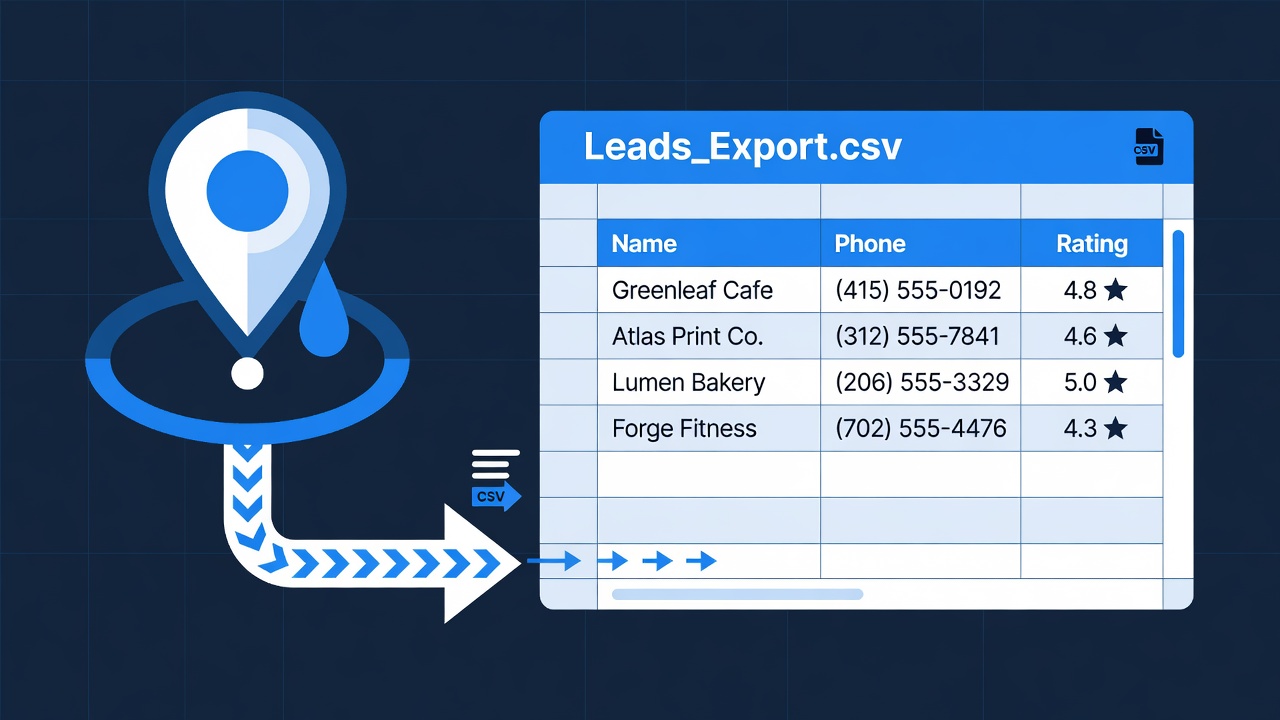
For each result in a Google Maps search, MapLeads captures:
- Business name — the listed name as it appears on Google Maps
- Category — the primary business type Google has classified it as
- Phone number — the number listed on the Google Maps profile
- Star rating — the average review score (1–5)
- Review count — total number of Google reviews
- Website — the URL linked from the listing, if present
All of this goes into a single CSV row per business, ready to open in Excel, Google Sheets, or import into any CRM.
The five-minute lead list workflow
Go to Google Maps and run your search
Navigate to maps.google.com and search for the business type and location you're targeting. Use specific queries: "HVAC contractors Chicago IL", "dentists near downtown Austin", "landscaping companies Portland OR 97201". The more specific your search, the more targeted your list.
Scroll the results list to load all listings
Google Maps loads results incrementally as you scroll the left-side results panel. Scroll to the bottom of the list before exporting — MapLeads captures whatever is currently loaded in the panel. A typical search loads 20–60 results depending on the density of the area.
Click the MapLeads extension icon and export
Open the MapLeads extension from your Chrome toolbar. It detects the current search and shows a preview of the leads it's found. Click Export to CSV. The file downloads instantly — no waiting, no server-side processing.
Open the CSV and filter
Open the CSV in Excel or Google Sheets. Use filters to remove businesses without phone numbers (if phone outreach is your channel), sort by review count to prioritize established businesses, or filter by rating to focus on businesses that might be open to reputation management services.
Repeat by neighborhood, city, or vertical
Run the same search in neighboring zip codes or cities to expand your list. MapLeads works on every new search — each export adds a fresh batch to your pipeline. Cover a metro area systematically by running the same business type query across 10–15 zip codes.
Search queries that work well
The quality of your lead list depends heavily on the query you run. A few patterns that produce clean, targetable results:
Business type + city/neighborhood: "accountants in Midtown Manhattan", "flooring companies in Scottsdale AZ", "personal injury lawyers Seattle". Produces a dense list of a specific vertical in a defined geography.
Business type + zip code: "electricians 78701", "restaurants 94102". Tighter geographic targeting — useful for hyper-local prospecting or door-to-door follow-up.
Business type + "near [landmark]": "hotels near McCormick Place Chicago", "restaurants near Salesforce Tower SF". Useful for event-based outreach or proximity-based service targeting.
What to do with the CSV
The raw CSV is the starting point, not the finished product. The most common next steps: use the website column to find the owner's email address or LinkedIn profile, import the list into a CRM like HubSpot or Pipedrive with custom source tagging, or use phone numbers for direct outreach if your sales motion is phone-first.
The rating and review count columns are more useful than they look. A business with 4.8 stars and 200 reviews is established and likely has budget — a good target for B2B services. A business with 3.2 stars and 15 reviews may be struggling and more receptive to marketing or reputation management pitches. The data tells a story before you ever pick up the phone.